Open HR & Workforce from the sidebar. Staff Directory is on every plan. Rotas, timesheets and payroll require Growth or above.
1. Add a staff member
- HR & Workforce → Staff Directory → Add staff.
- First name, last name, phone number.
- Role: Owner, Manager, Cashier or Kitchen.
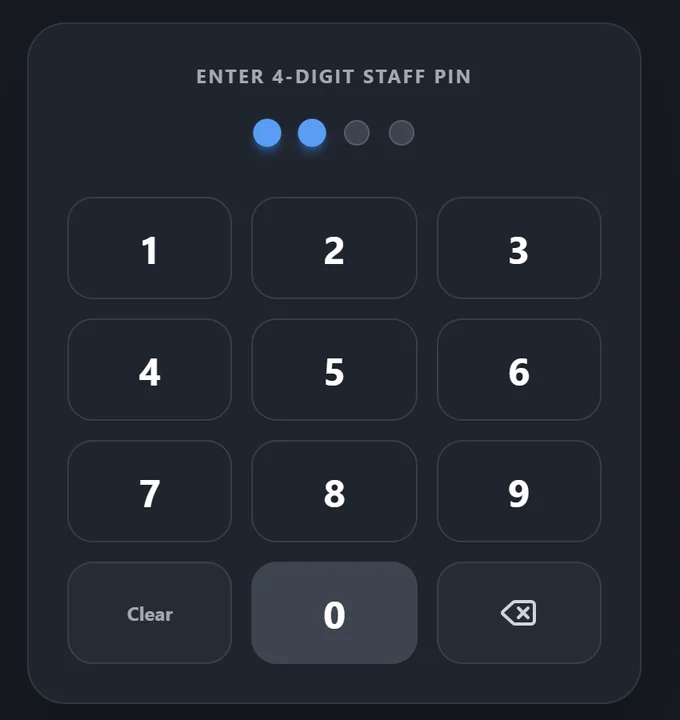
- 4-digit POS PIN — this is how they sign in on the till.
- Save.
Staff do not need an email address to use the POS — PIN is enough.
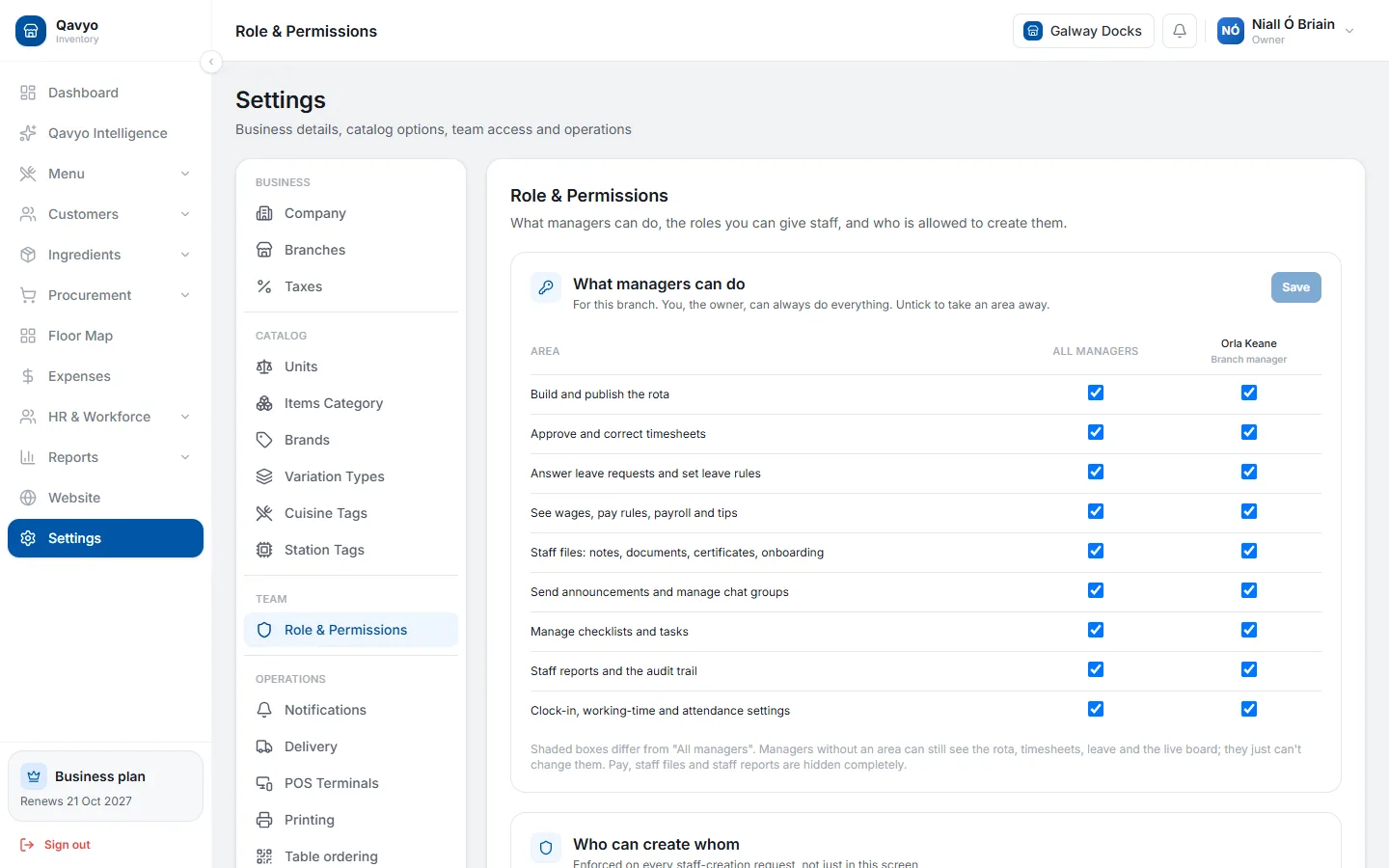
2. Roles and permissions
- Owner — full access including billing.
- Manager — everything except billing; can void orders, apply discounts, run reports.
- Cashier — takes orders and payments. Cannot void or see reports (unless you allow it).
- Kitchen — KDS only. Cannot access the order screen or reports.
Customise permissions in Settings → Roles.
3. Clock-in kiosk
- HR & Workforce → Time Kiosk → Launch kiosk on any tablet near the back door.
- Staff tap their name and PIN to clock in or out.
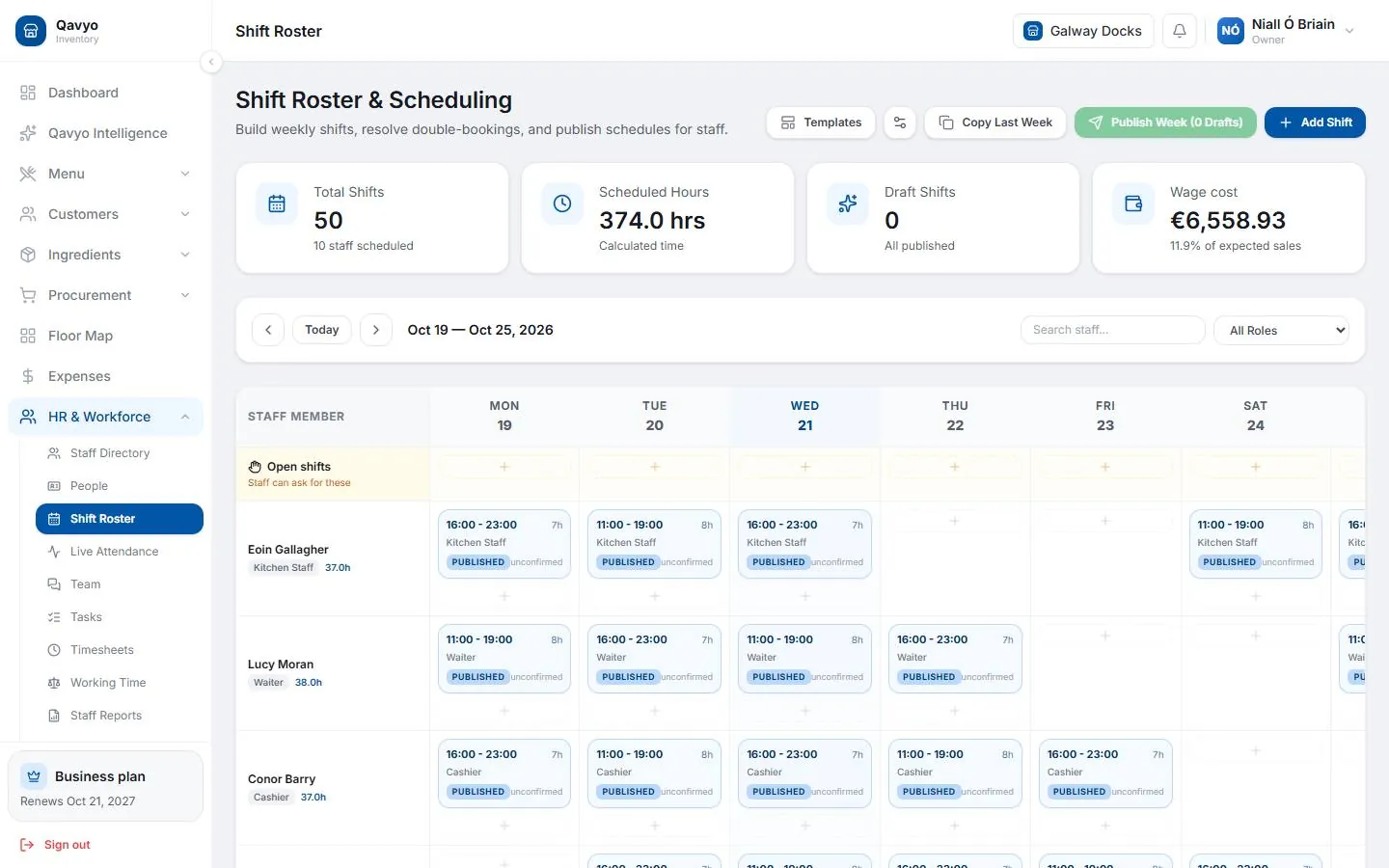
4. Shift roster
- HR & Workforce → Shift Roster → Add shift — assign staff member, date and hours.
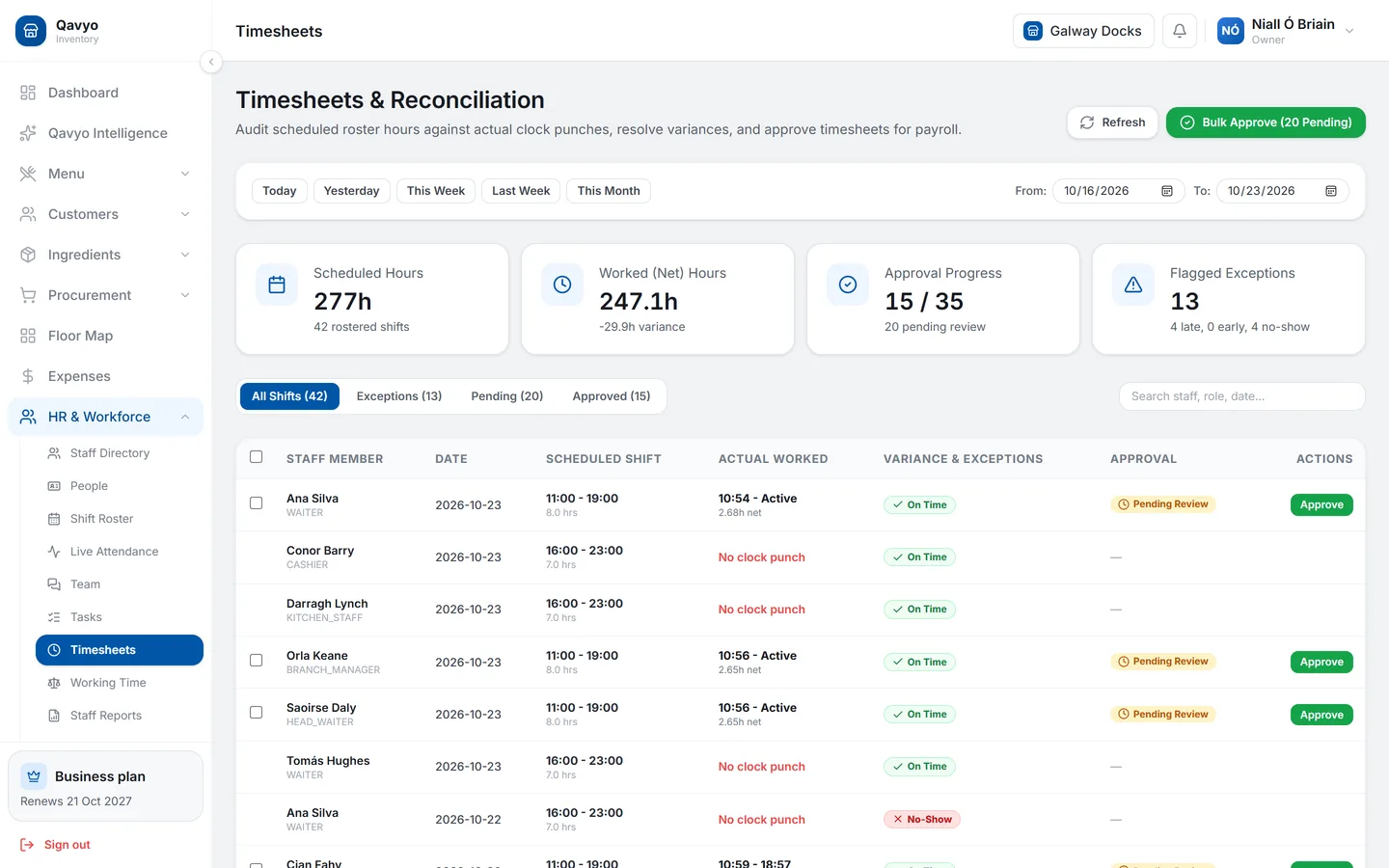
5. Timesheets
- HR & Workforce → Timesheets — all clock-ins and outs.
- Edit any row if staff forgot to clock out.
- Approve timesheets at the end of each pay period before running payroll.
6. Pay rules and payroll
- HR & Workforce → Pay Rules — hourly rates, overtime multipliers, weekend and public holiday premiums.
- HR & Workforce → Payroll → choose pay period → Calculate → review each payslip → Approve.
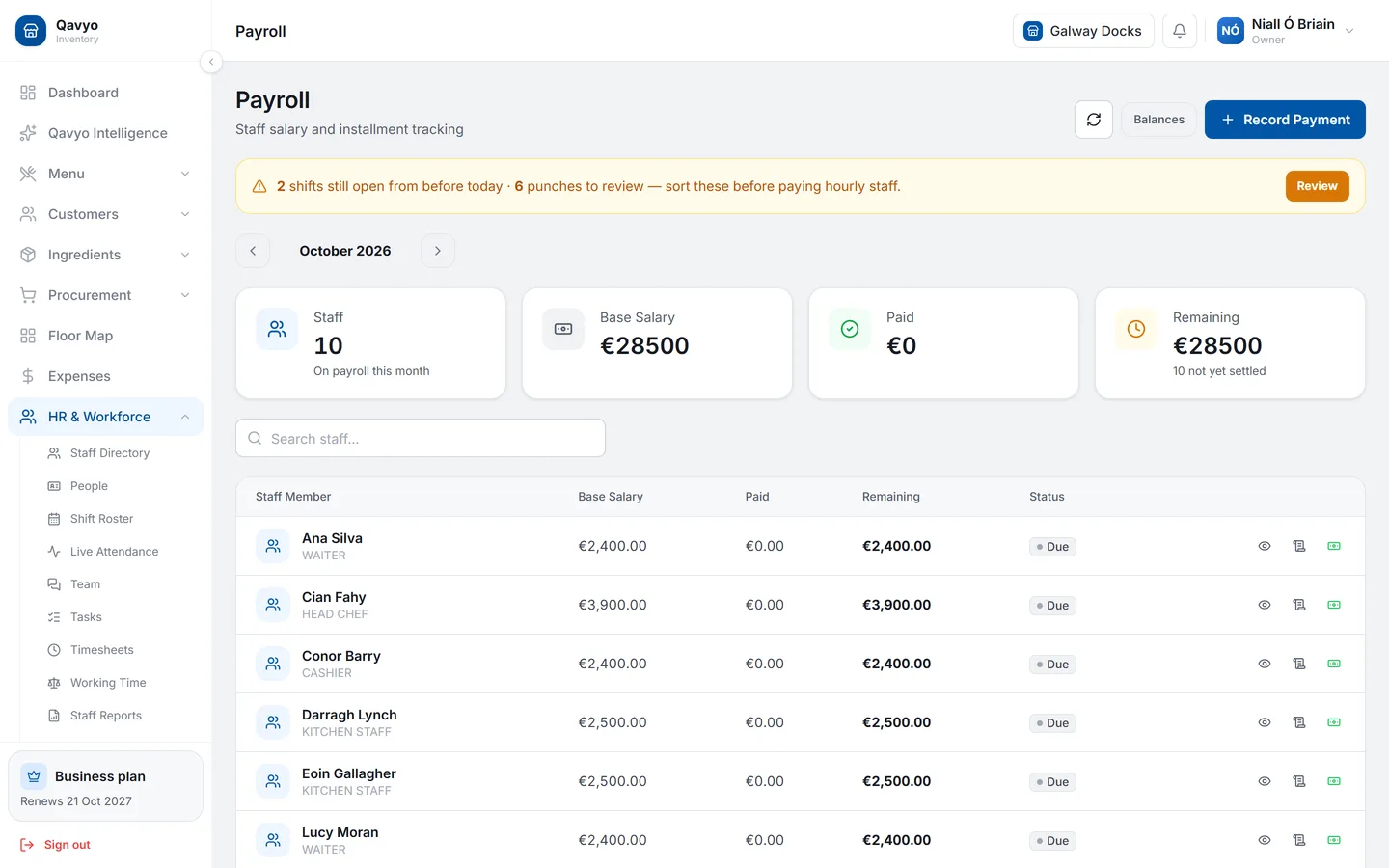
See staff and rota and payroll and tips for full details.
What's next
Go to Ingredients and inventory to track food cost and stock.