Plan the shift. Approve the hours. Pay what was worked.
The rota, clock-in and payroll sit in the same system as your till, so hours worked turn into pay without a spreadsheet in between.
Rota, clock-in and payroll are on the Growth and Business plans.
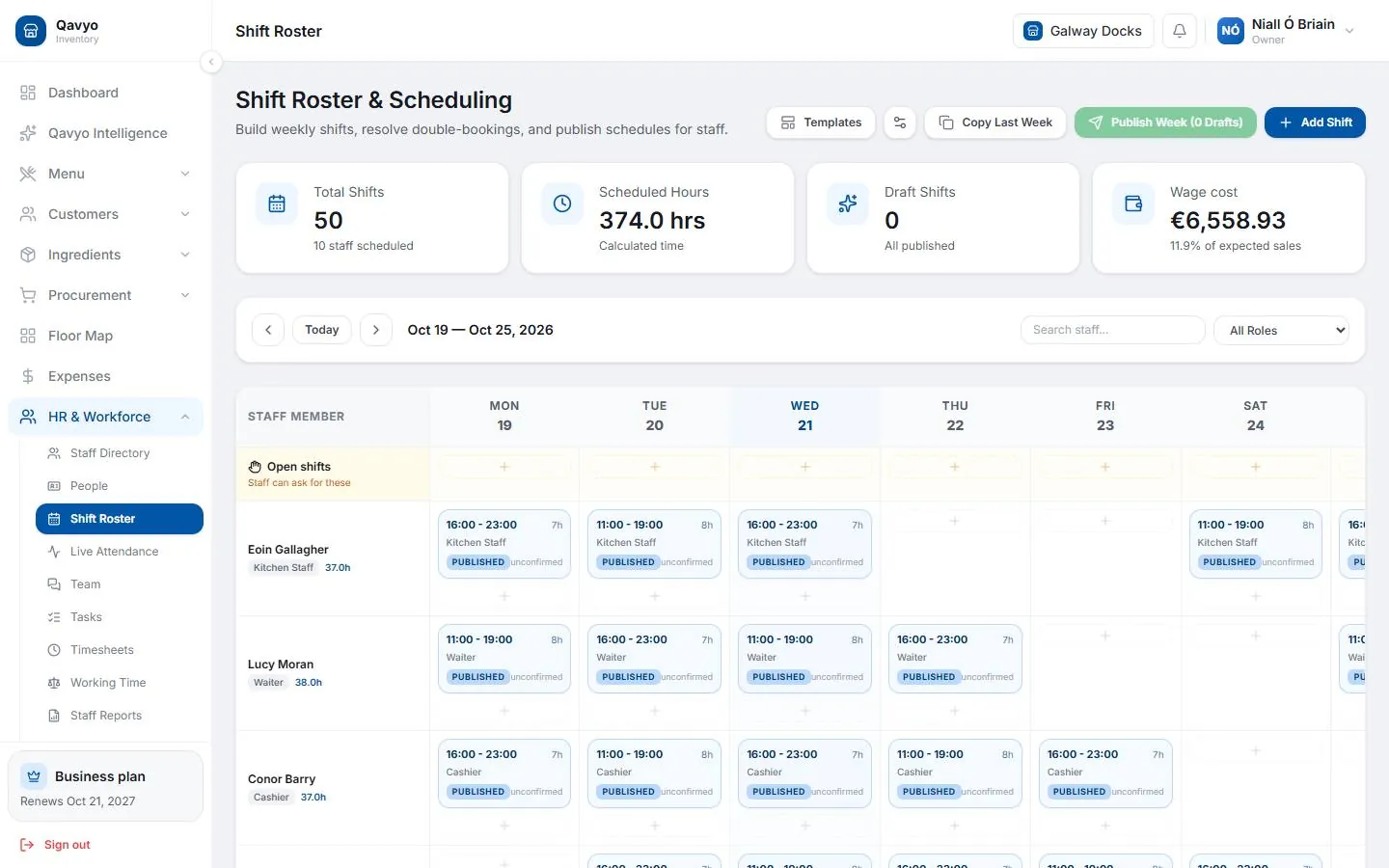
Run the team from the same place you run the till.
Rota
Plan the week’s shifts for the floor and the kitchen, branch by branch.
Clock in at the till
A PIN and a photo at the till. Nobody needs their own smartphone.
Payroll and payslips
Hourly staff are paid for approved hours only, with a payslip for each person.
Tips pool
Card tips go into a pool for the team.
Leave
Staff ask for time off and managers approve it.
Roles and permissions
Each person sees only the screens their job needs.
Only approved hours get paid.
Made for teams where not everyone has a smartphone: staff clock in on the restaurant’s own till with a PIN and a photo.
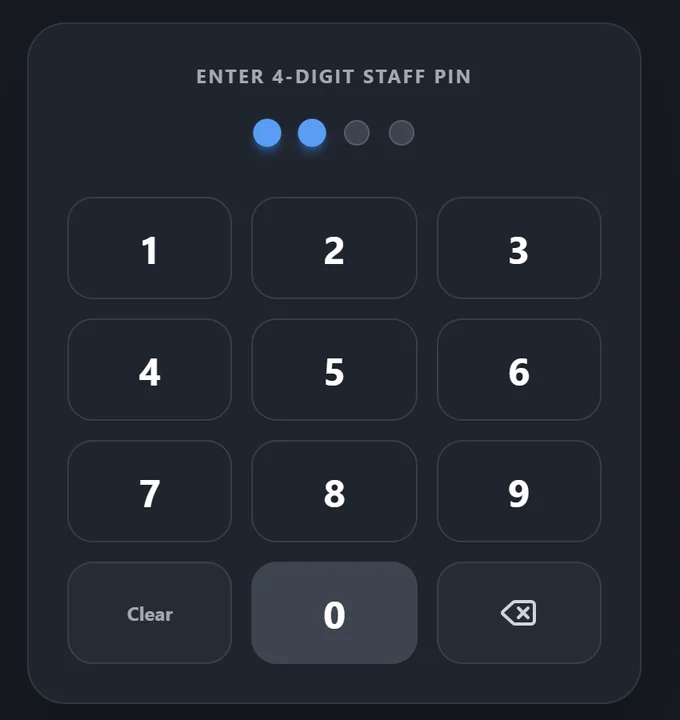
- 1
Clock in at the till
Staff type their PIN on the POS and a photo is taken, so nobody clocks in for a friend.
- 2
Clock out
Start and finish times go straight onto the timesheet. No paper sheets to type up.
- 3
Approve the hours
A manager checks and approves the timesheet before it counts.
- 4
Pay what was approved
Payroll uses approved hours only, and each person gets a payslip.
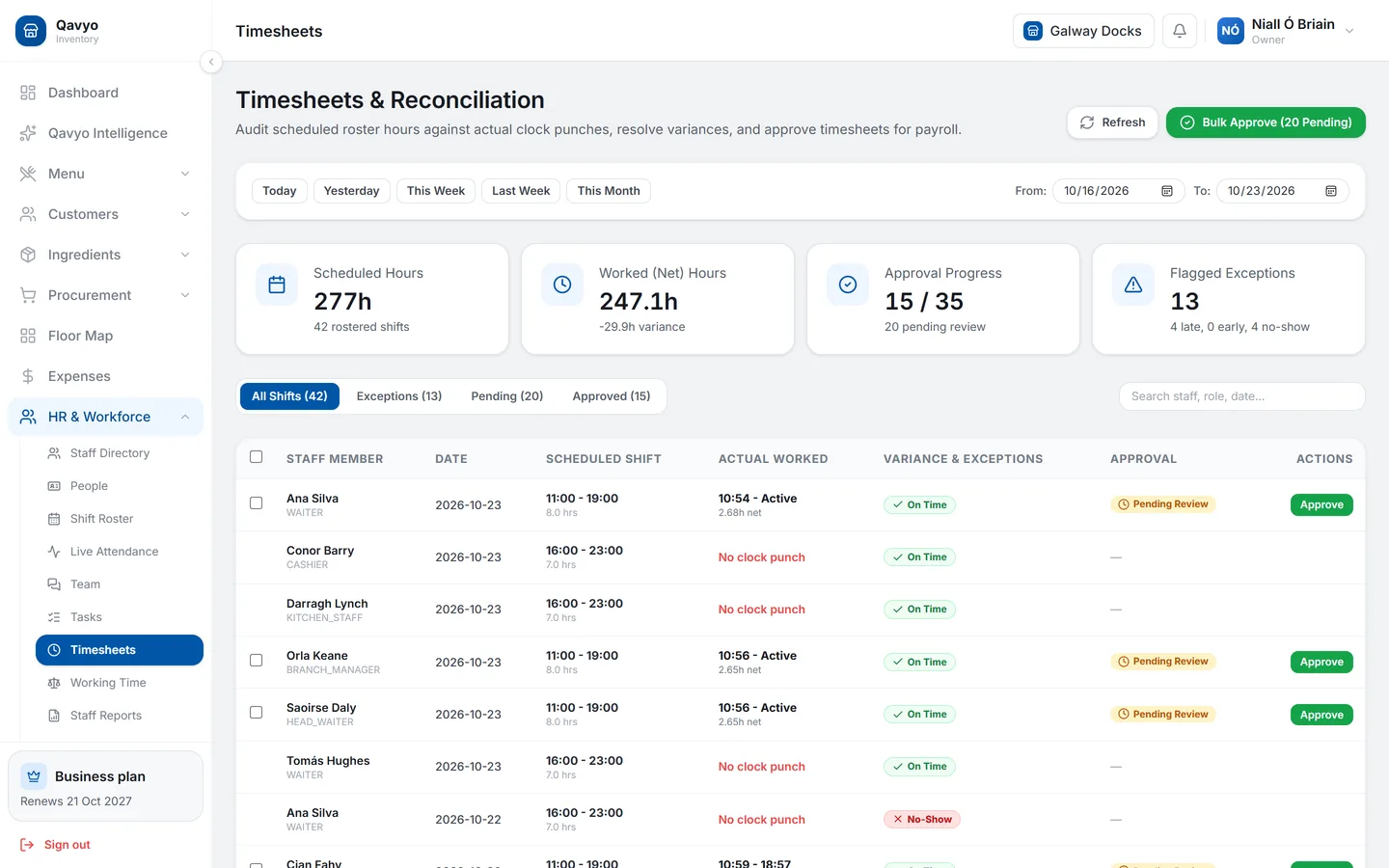
The rota and the clock, side by side.
- Every shift next to its clock-in, marked on time, late or no-show.
- Approve one by one or all at once before the hours count towards pay.
- Payroll warns you about shifts still open or punches to review before you pay.
Do my staff need a smartphone?
No. Staff clock in and out at the restaurant’s till with a PIN and a photo. They can also use the staff portal from any browser if they want to see their shifts.
Which plan includes rota and payroll?
Growth (up to 20 team members on rota, clock-in and payroll) and Business (unlimited). Staff accounts and roles are in every plan.
What if someone forgets to clock out?
The manager sees it on the timesheet before approving. Unapproved hours are never paid.
Can I try it before choosing a plan?
Yes. Every business starts with 30 days of Full Qavyo, which includes rota, clock-in and payroll.
Try rota and payroll free for 30 days.
The trial includes everything in Growth and Business. Choose a plan when it ends.
Every business starts with 30 days of Full Qavyo, including Growth and Business features.