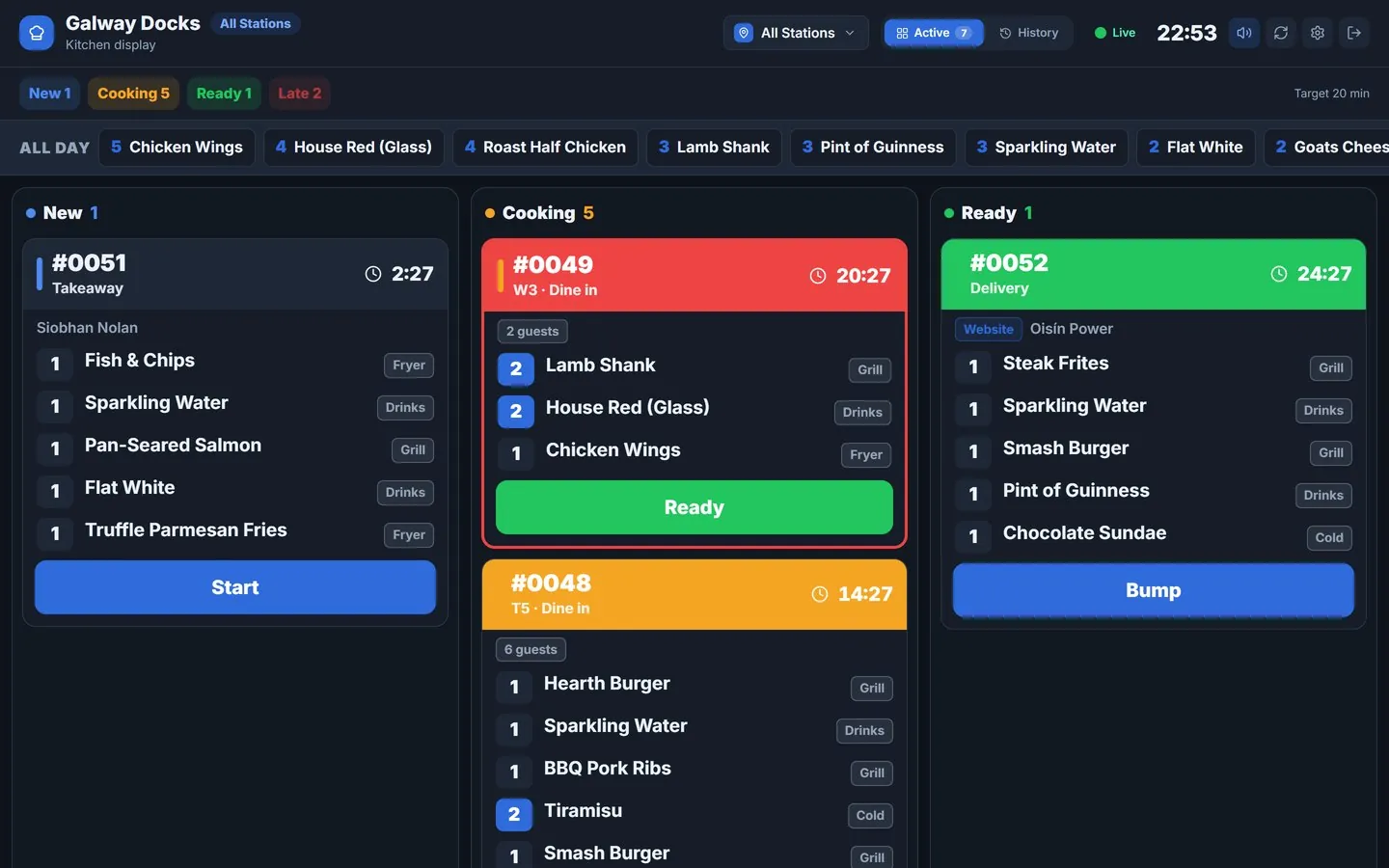
Screens too
Paper at some stations, screens at others.
Each station can have a printer, a kitchen screen, or both. The same order goes to both, so you can move to screens one station at a time.
Explore the kitchen displayGrill, fryer, drinks and packing each get only their own items, on their own printer or a shared one. Receipts print at the till. And it all keeps printing when the internet drops.
Included with Qavyo. Network, Wi-Fi and Bluetooth thermal printers.
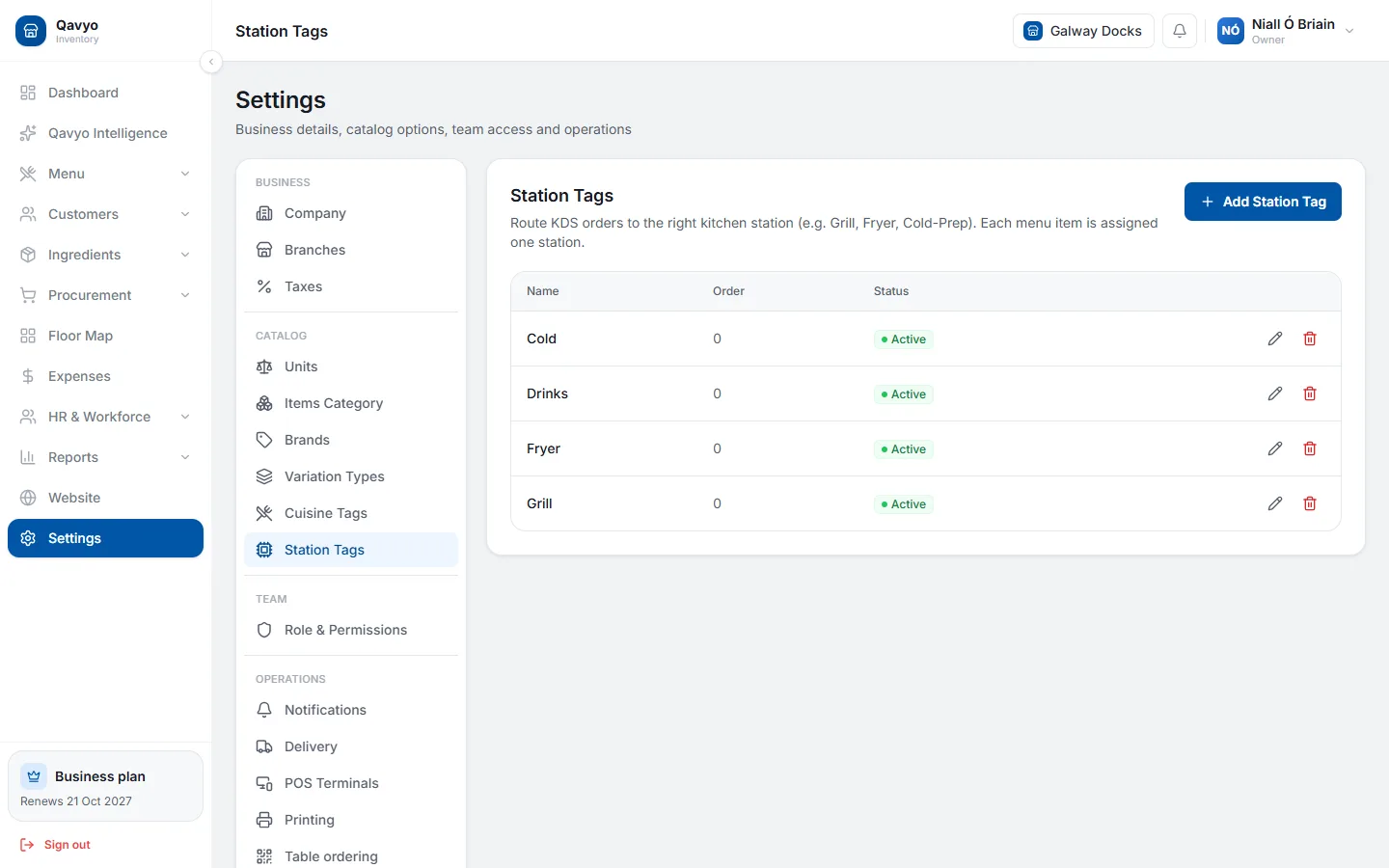
Each station can have a printer, a kitchen screen, or both. The same order goes to both, so you can move to screens one station at a time.
Explore the kitchen displayEach station prints only its own items from an order.
Two stations can share one printer, each still on its own ticket.
Customer receipts print on the till’s own printer.
Thermal printers over the network, Wi-Fi or Bluetooth.
If a printer gets a new network address after a power cut, the till finds it and failed tickets can be printed again.
Your Android till is the print hub. No printer server, no extra box.
The Qavyo POS app on your Android tablet pairs with the back office using a code.
Network and Wi-Fi printers are found on the shop network; Bluetooth printers pair from the till.
Tag each dish with its station and pick a printer for each station. Done.
Tell us which printers you have and we will check they work before your first service.
Talk to us ›Thermal receipt printers on your network, Wi-Fi or Bluetooth. Tell us your model and we will check it. USB printers are not supported yet.
No. The Qavyo POS app on your Android till sends every ticket itself.
The ticket waits and shows as failed on the till, so you can print it again once the printer is back.
No. Kitchen and receipt printing come with Qavyo.
Start with 30 days of Full Qavyo. We help you set up your printers.
Every business starts with 30 days of Full Qavyo, including Growth and Business features.