Open Reports from the sidebar. Qavyo Intelligence is the green Sparkles item above it.
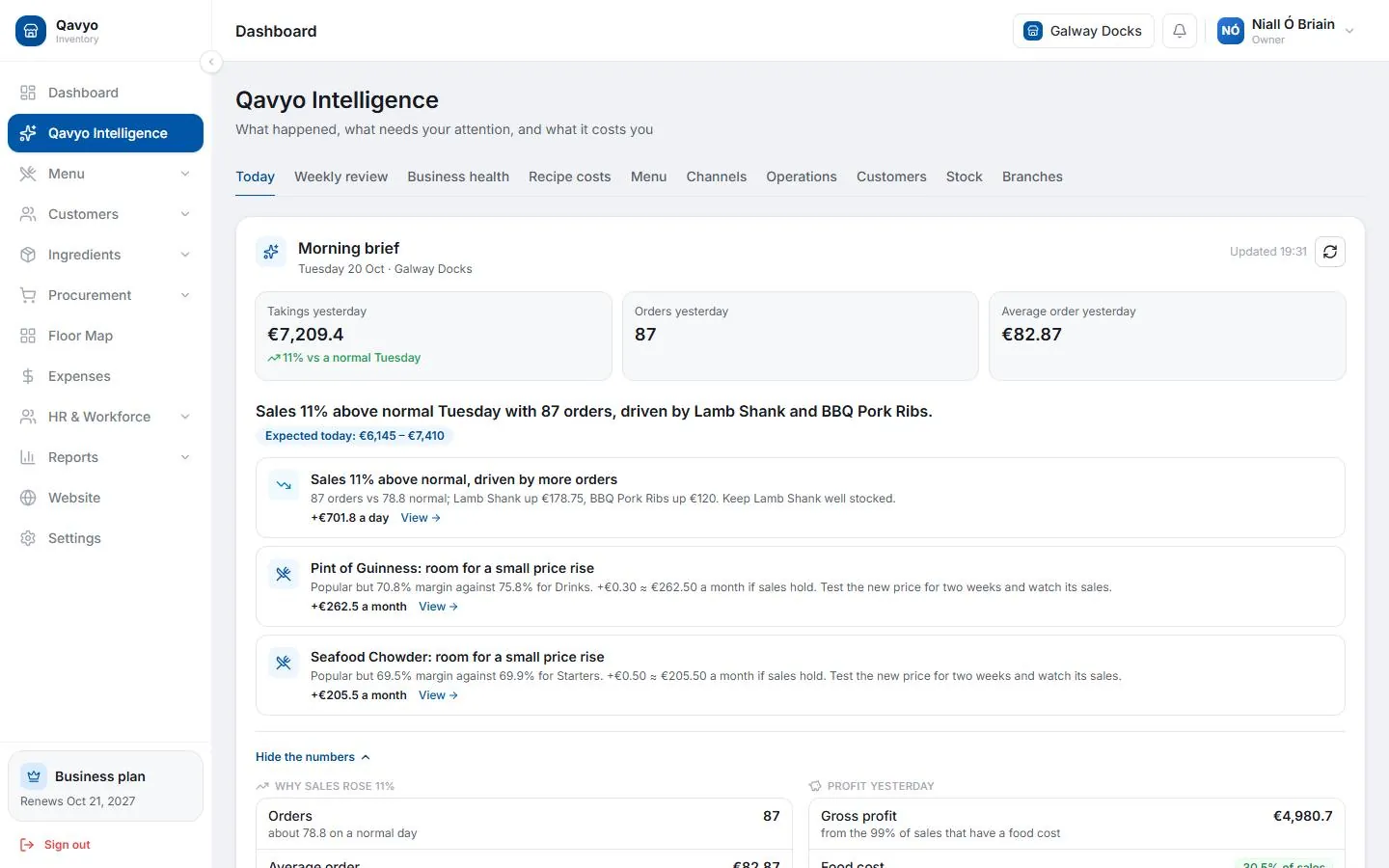
Morning brief
Every morning, Qavyo Intelligence gives a plain-English summary of yesterday — what sold well, what underperformed, whether sales were up or down on last week.
Daily summary
Reports → Daily Summary
- Total sales, orders and average order value for any day.
- Breakdown by payment method (cash, card).
- Voids and discounts applied — use for end-of-day cash count.
P&L report
Reports → P&L Report (Growth plan and above)
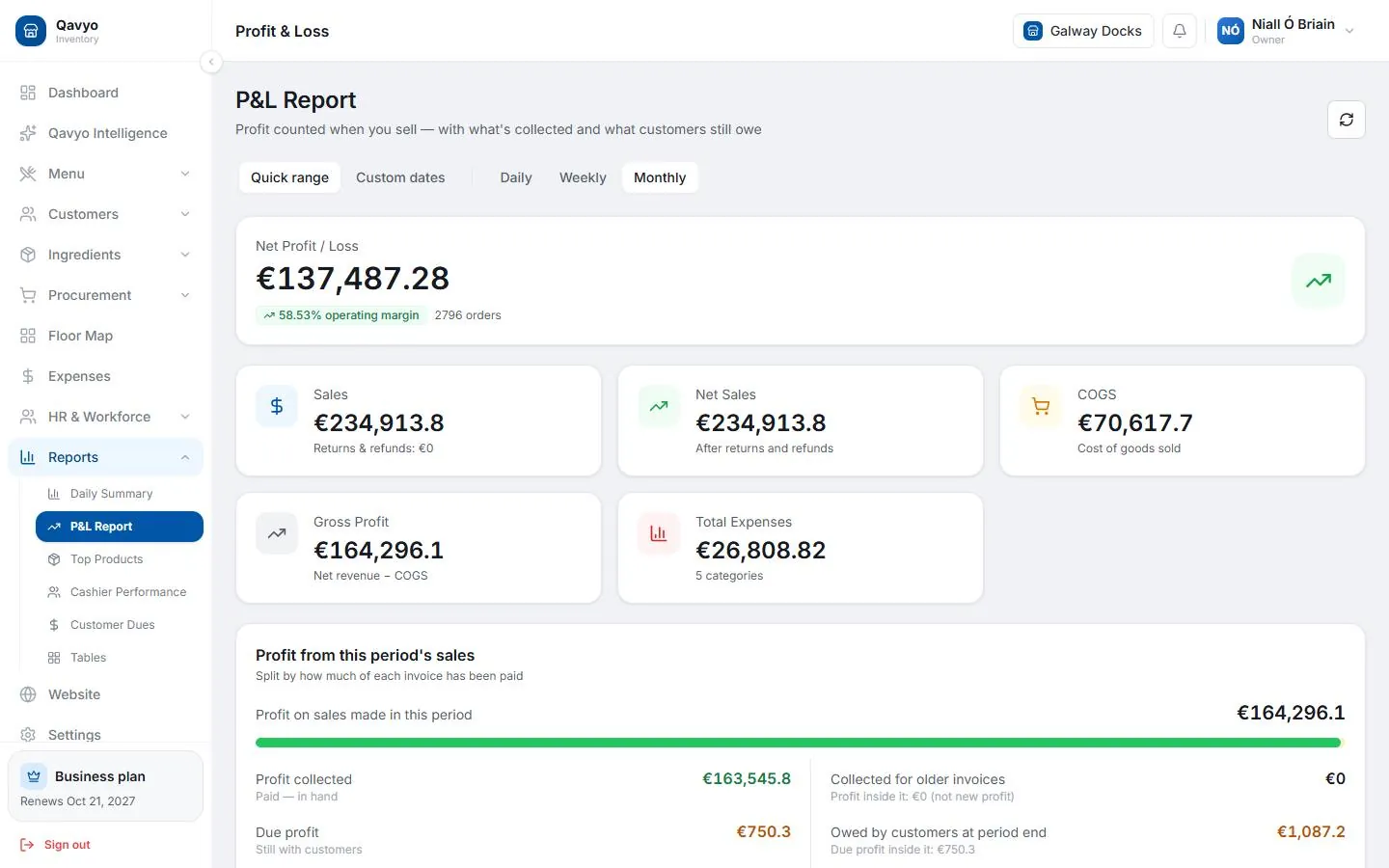
- Revenue, food cost, gross profit and margin for any date range.
- Food cost percentage per dish — visible once recipes are written in Ingredients.
Menu performance
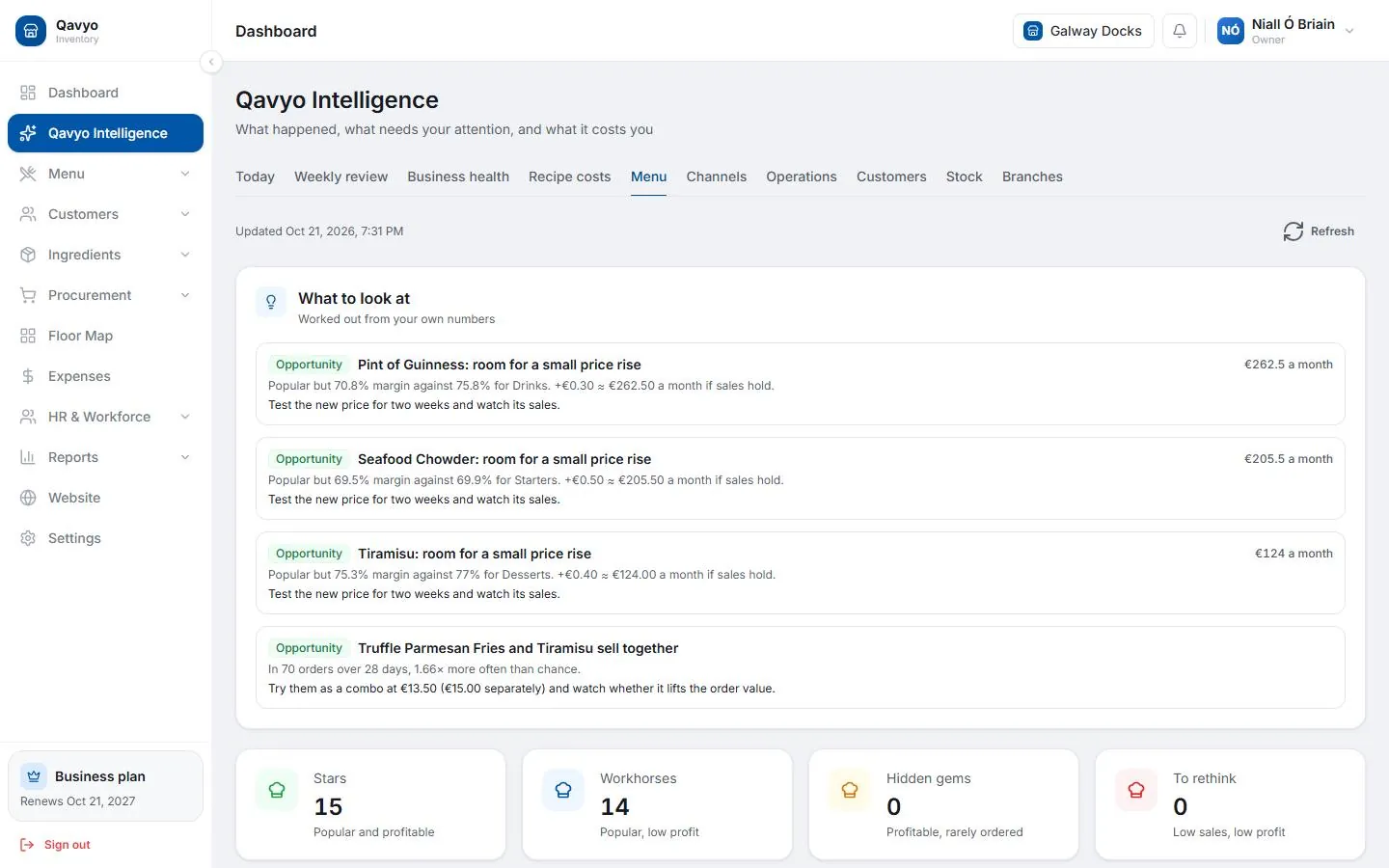
Qavyo Intelligence → Menu — items plotted by popularity and profit margin. Know what to push, price up or remove.
Cashier performance
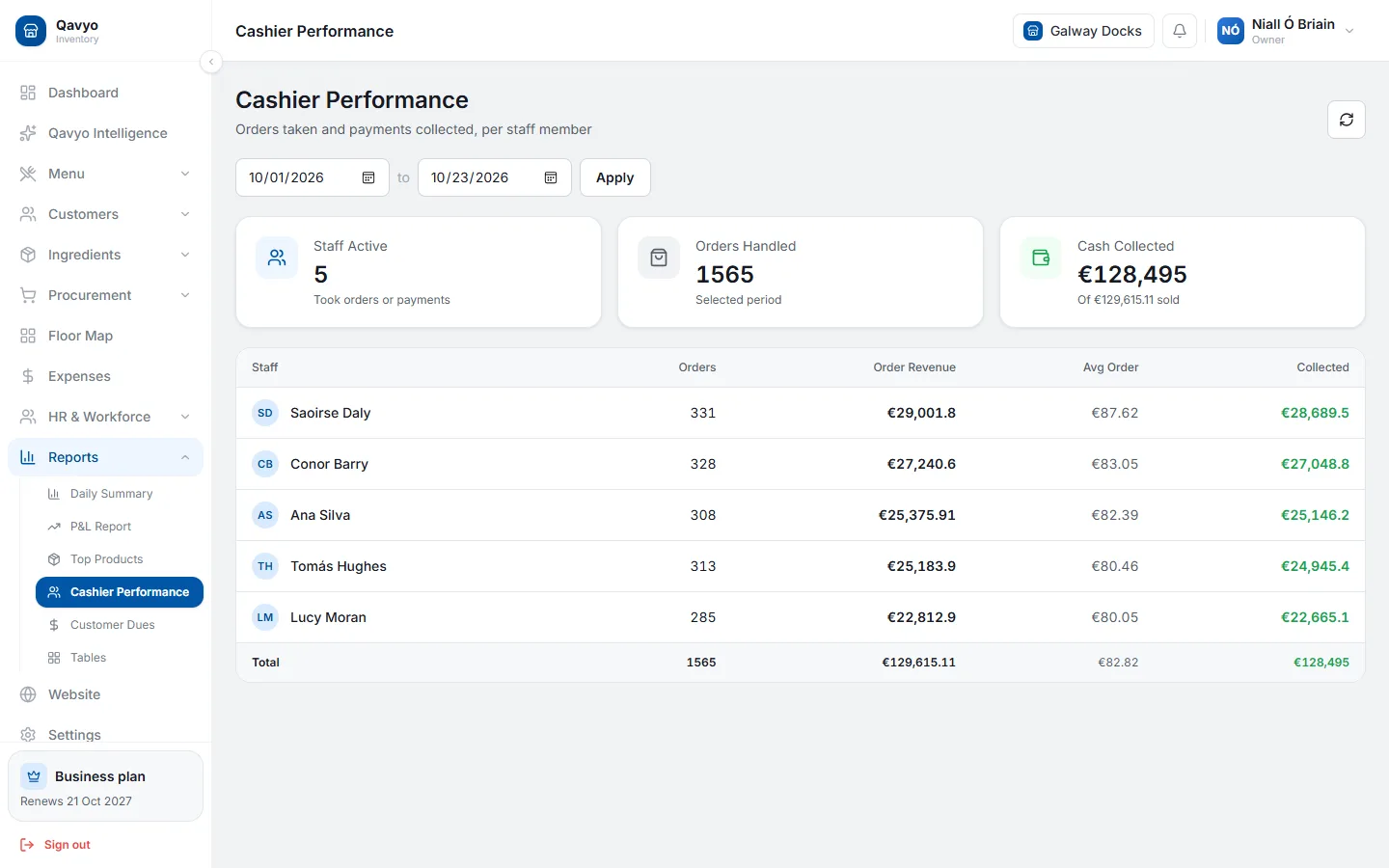
Reports → Cashier Performance — sales, voids and average order value per staff member. High void rates suggest training gaps or unauthorised discounts.
Multi-branch
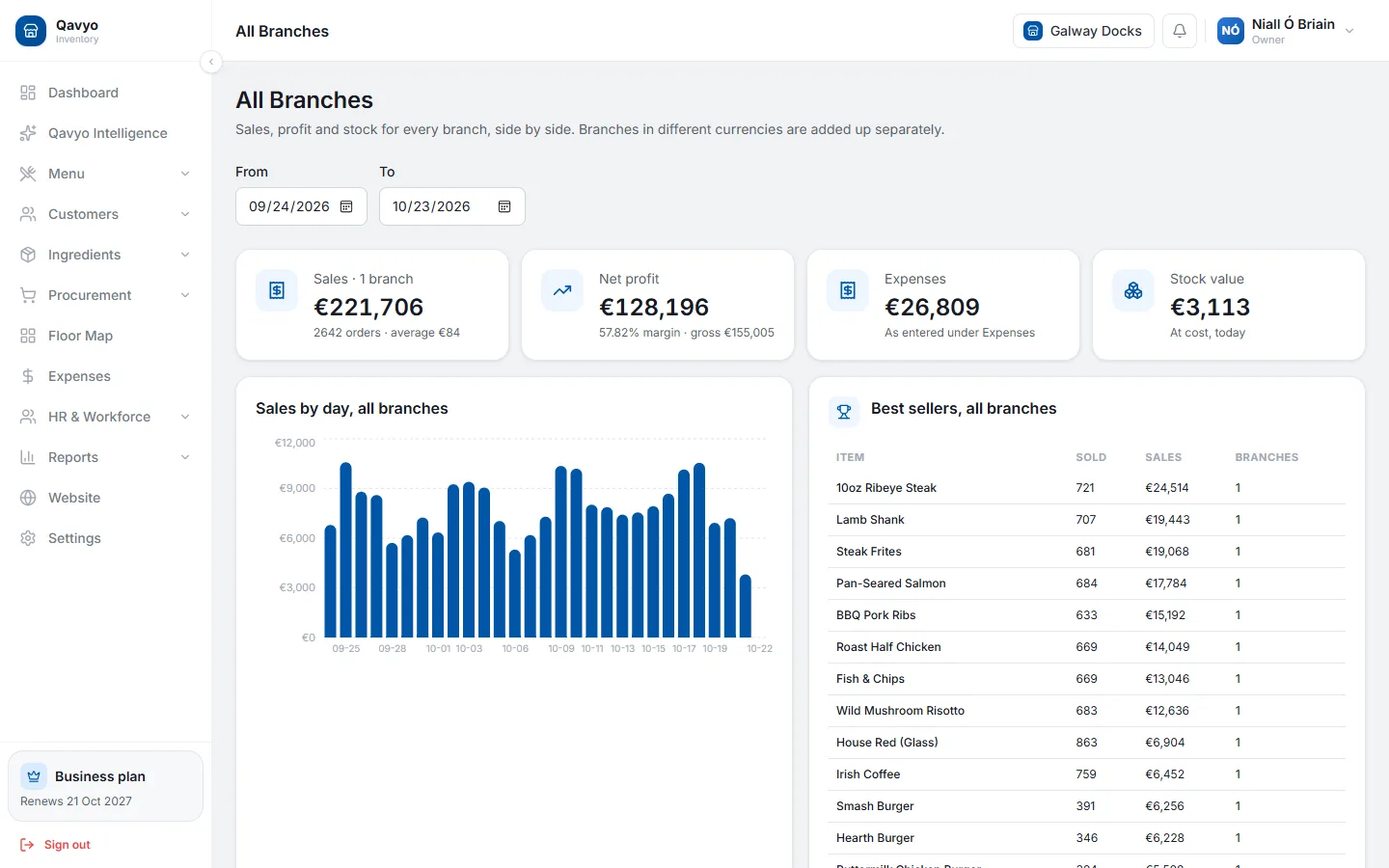
Reports → All Branches (Business plan) — sales, food cost and profit for every location side by side.
Check the morning brief every morning for one week. After seven days you will know your busiest hours, best-selling items and slowest days — enough to make your first smart decision. See Qavyo Intelligence for the full feature set.
Setup complete
You have set up every section of Qavyo. If something is not working, email support@qavyo.com with your business name and a screenshot of what you see.