Loyalty is built around the customer's phone number — no app download required. Points and balance print on every receipt.
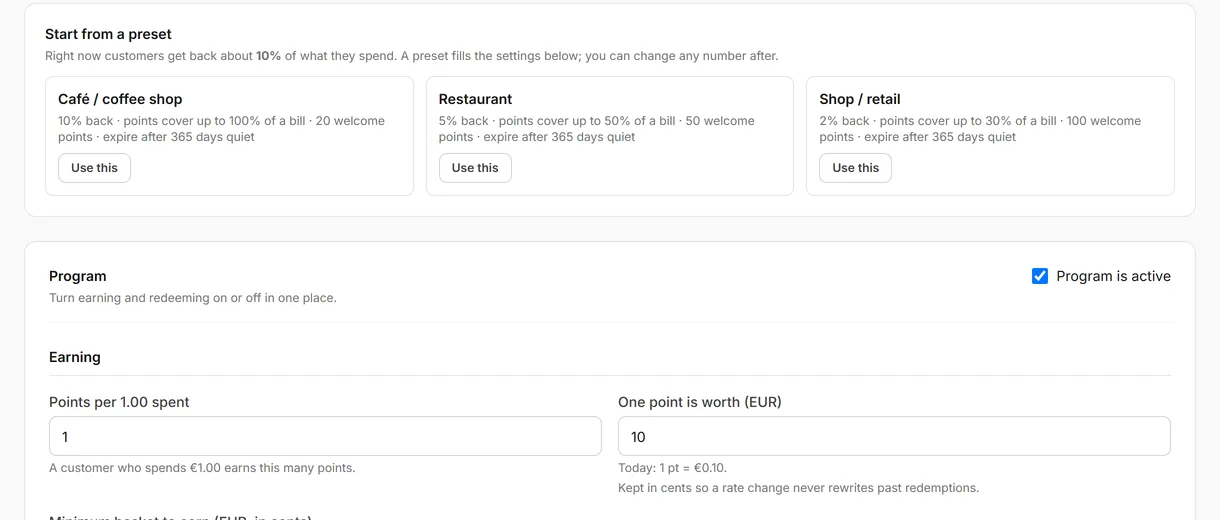
1. Turn on loyalty
- Settings → Loyalty → Loyalty enabled → On.
- Points per unit spent (e.g. 1 point per €1).
- Redemption value (e.g. 100 points = €1 off).
- Points expiry (optional — e.g. after 12 months).
- Save.
2. Add tiers (optional)
- Settings → Loyalty → Tiers → Add tier.
- Name (e.g. "Silver"), points threshold, optional benefit (e.g. 1.5× points multiplier).
- Save.
3. Enable visit SMS (optional)
- Settings → Loyalty → Send visit SMS → On → Save.
Requires SMS credit balance. Add credits at Settings → SMS wallet.
4. How customers join
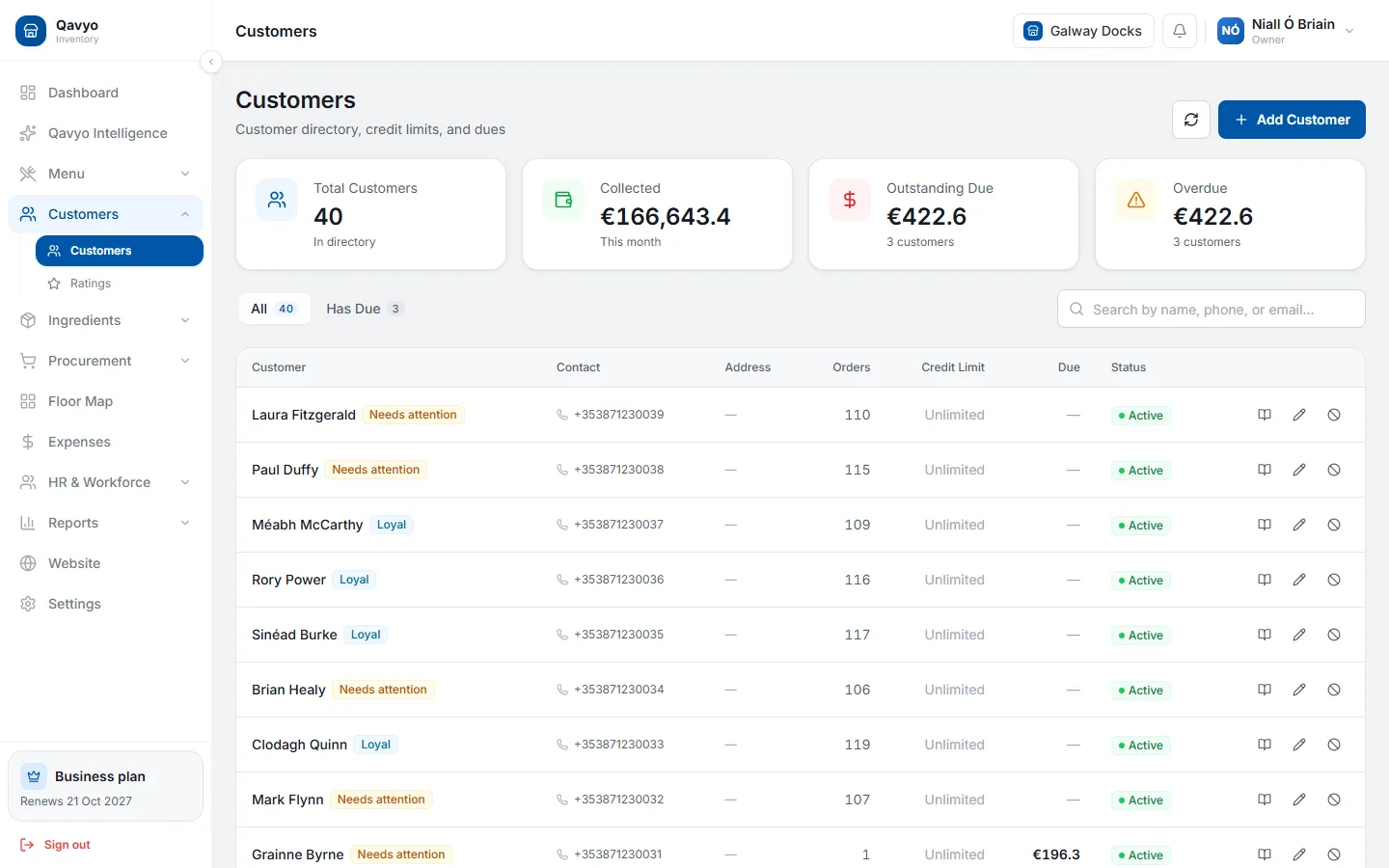
- Cashier enters the customer's phone number at checkout on the POS.
- If new, a loyalty account is created automatically.
- The receipt shows points earned, total balance and your website URL.
5. Redeeming points
- Enter customer phone at checkout — if they have enough points, a Redeem points button appears.
- Tap it — Qavyo deducts points and applies the discount automatically.
See loyalty and promotions for stamp cards, coupons and campaigns.
What's next
Go to Email and SMS marketing for automated birthday, win-back and VIP messages.