Ingredients and inventory
Track raw ingredients, write recipes and manage suppliers — Qavyo deducts stock automatically on every sale.
Open Ingredients from the sidebar.
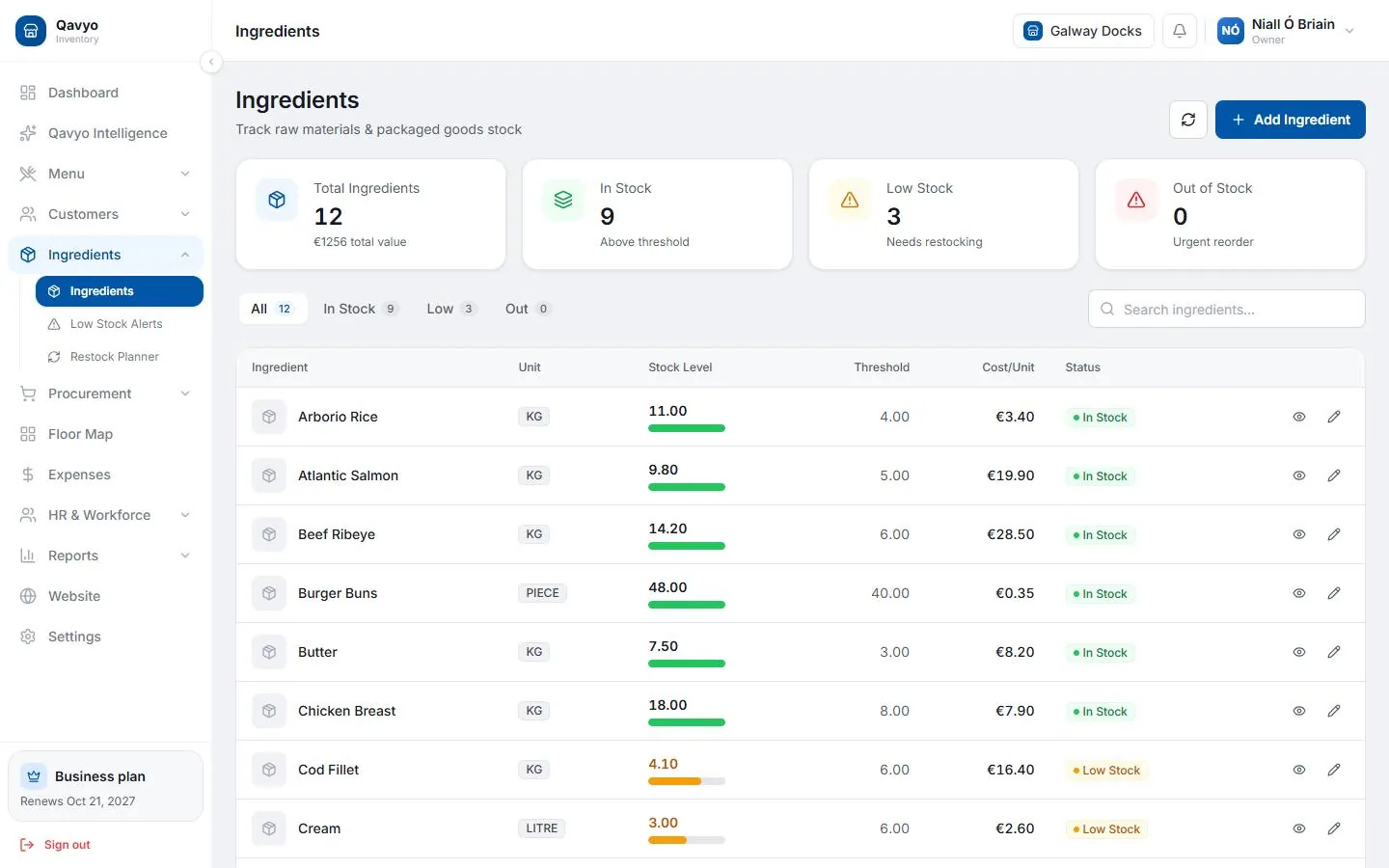
1. Add ingredients
- Ingredients → Ingredients → Add ingredient.
- Name, unit (kg / g / litre / piece), current stock on hand, reorder level, cost per unit.
- Save.
Repeat for every raw material you use.
Set a realistic reorder level. Qavyo alerts you in Ingredients → Low Stock Alerts the moment a stock level drops below it.
2. Write recipes
A recipe links a menu item to its ingredients. Every time that item sells, Qavyo deducts the recipe quantities from stock.
- Menu → Menu Items → open an item → Recipe → Add ingredient.
- Choose the ingredient and enter the quantity per portion (e.g. 0.2 kg chicken per burger).
- Repeat for every ingredient in the dish.
- Save.
Once recipes are in, Qavyo shows food cost percentage per dish in the P&L report.
3. Restock alerts and planner
- Ingredients → Low Stock Alerts — items below reorder level.
- Ingredients → Restock Planner — suggested order quantities based on recent usage.
4. Add suppliers
- Procurement → Suppliers → Add supplier.
- Name, phone, email, payment terms.
- Save.
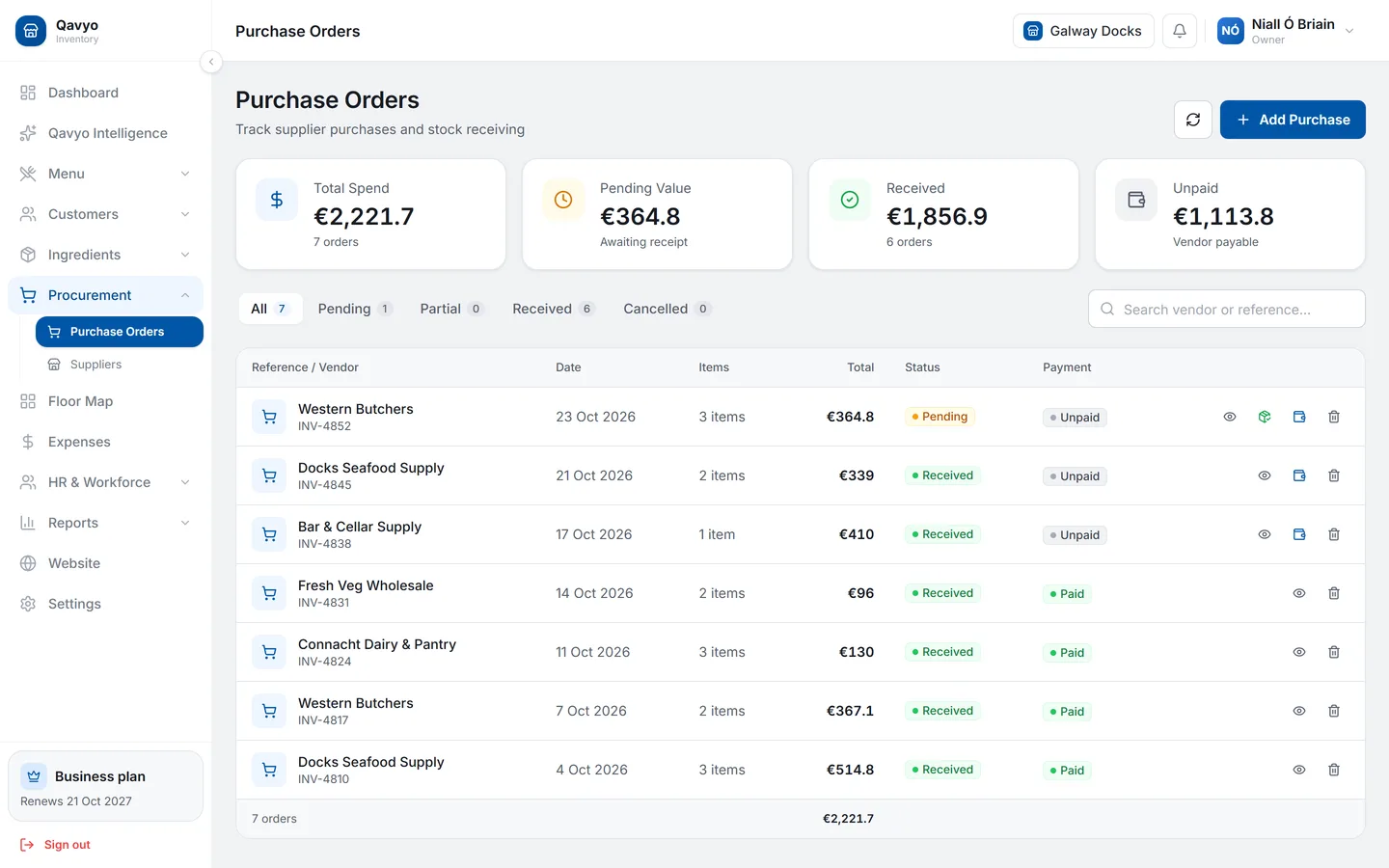
5. Raise purchase orders
- Procurement → Purchase Orders → New purchase order.
- Choose supplier, add ingredients and quantities.
- Send to supplier (emails the PO) or just Save for internal use.
- When the delivery arrives, open the PO → Receive → enter actual quantities. Qavyo adds them to stock.
6. Track other expenses
For rent, utilities and non-ingredient costs, go to Expenses in the sidebar and add each expense with amount, date and category. These feed into the P&L report.
What's next
Loyalty → — reward your regulars with points.